

Shokz OpenSwim Pro Best Waterproof Headphones for Swimming with MP3 & Open-Ear & Other Features
IP68 Waterproof Rating

Bluetooth® + 32GB integrated storage

Stay aware with
open ears
Vivid sound,
even
underwater


Secure, Stable Fit
Up to
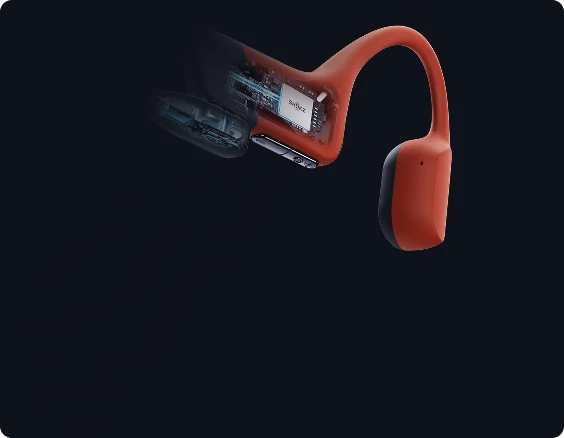
9 Hours of power
+ Quick Charge
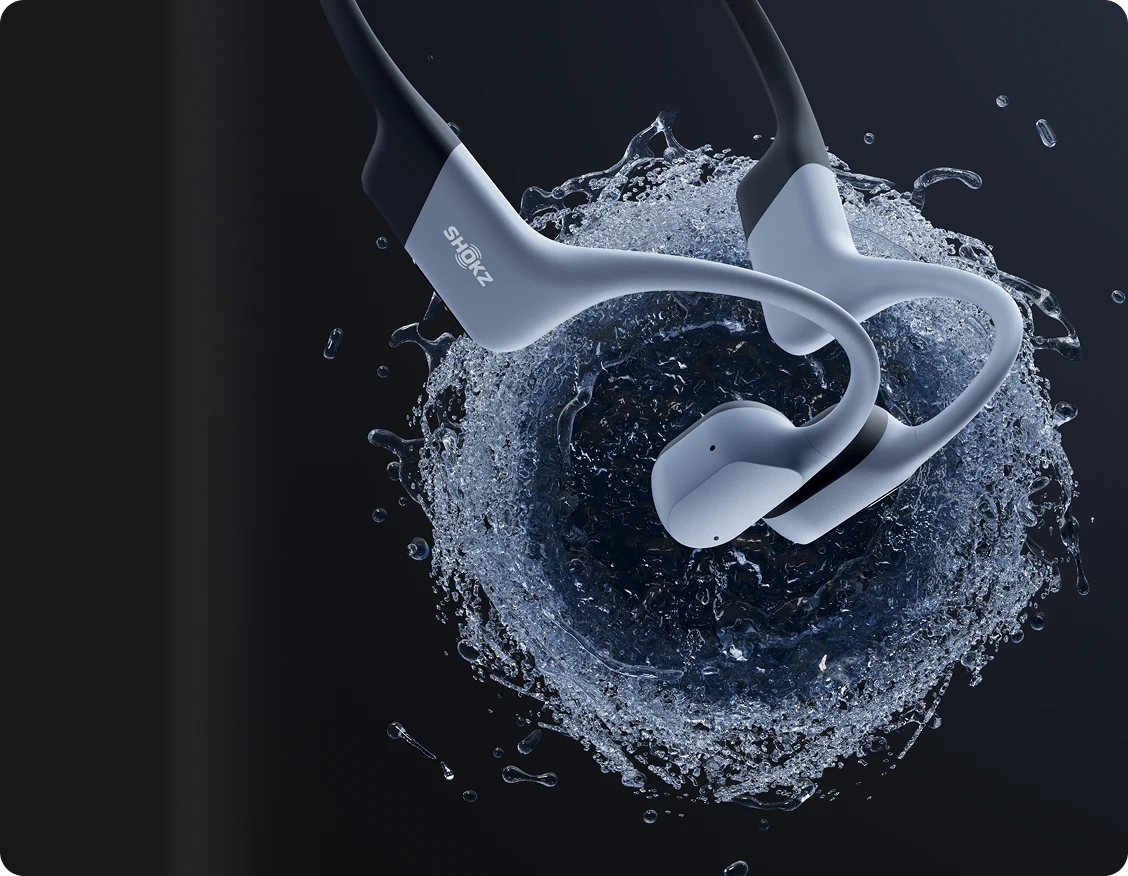
IP68 waterproof1 and
swim-ready.
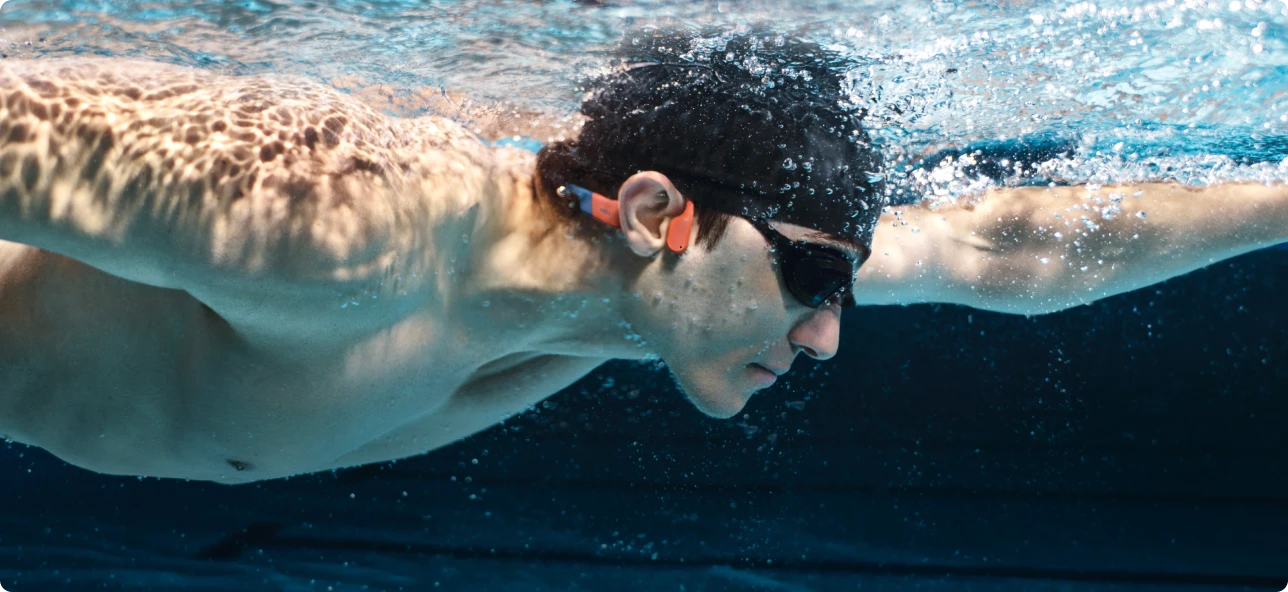
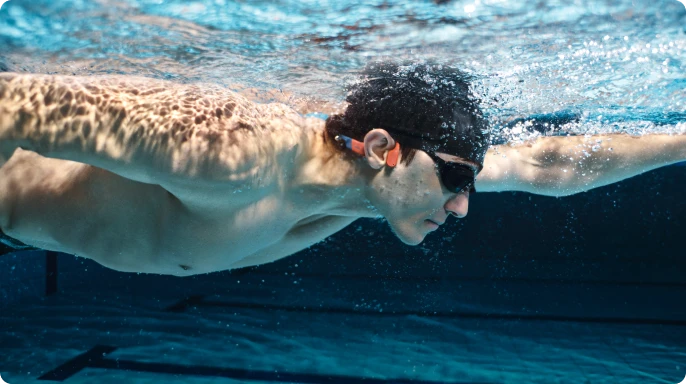
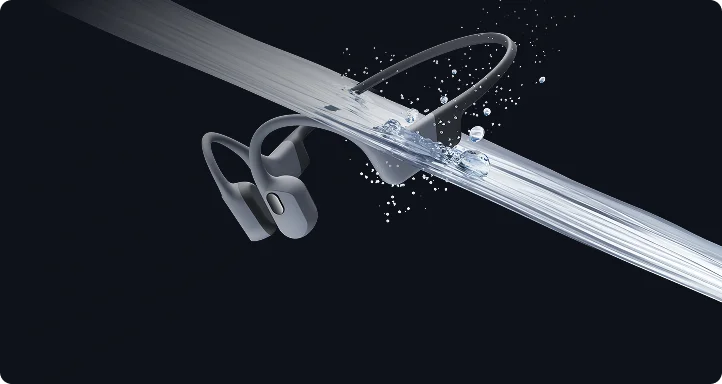
OpenSwim Pro is made for the rhythm of the water—whether you’re gliding through laps or balancing on a paddleboard. Its IP68 rating and triple-sealed build hold steady down to two meters (6.5 feet), giving you confidence in every dive, dip, and stroke.
*After open-water use, soak in fresh water for about 30 minutes to remove salt.


Bluetooth® + 32GB
integrated storage
Dual functionality.
Built for water and land.
OpenSwim Pro seamlessly switches between Bluetooth® V5.4 on land and built-in MP3 Mode underwater. One tap
of the multi-function button or the Shokz App moves you between them.
With 32GB2 of storage, MP3 Mode holds more than 8,000 songs3 across multiple formats
and transfers them fast. Organize your tracks and build playlists for every session.
*Underwater use is limited to MP3 Mode due to Bluetooth signal disruption by water. Supports MP3, FLAC, WAV, AAC, M4A, APE, WMA.


Stay aware with open ears4
Stay aware above.
Stay immersed below.
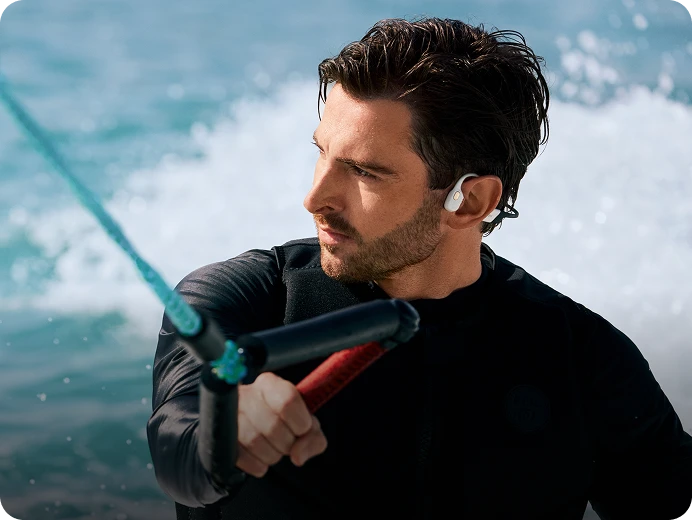
Our signature open-ear design keeps you aware of your surroundings above water, giving you confidence during watersports. Underwater, it pairs perfectly with professional swimming earplugs to keep water and debris out while maintaining clear, stable audio, especially in the open water.


HOW TO DOWNLOAD SONGS
Step 1: Find your downloaded songs on your computer and check their file location.
Step 2: Make sure each file is in a supported format. *If not, convert the file before importing.
Step 3: Connect OpenSwim Pro to your computer using the magnetic charging cable.
Step 4: Open the disk drive named SWIM PRO.
Step 5: Drag and drop your audio files into the drive.
Step 6: Once the transfer is complete, safely eject the SWIM PRO drive from your computer.

Vivid sound,
even Underwater.
PremiumPitch™ 2.0+ delivers powerful sound, while the Swimming EQ Mode optimizes every beat for detailed audio underwater when paired with earplugs*.
*Earplugs are included in the package.
Stability in motion.
No more readjusting with slips and tumbles – OpenSwim Pro is engineered for a secure fit. With flexible, ergonomically shaped ear hooks and a nickel-titanium alloy headband, it stays comfortably in place, whatever water sport you choose.

Battery That
Keeps Going.5
A quick 10-minute charge
gives you 3 hours of listening time.
Waterproof Mic.
Clear Calls. Anywhere.
OpenSwim Pro’s IP68 waterproof design shields the microphone in wet conditions, ensuring clear voice quality during training and daily use. A breathable membrane keeps vocals natural, while ENC(Environmental Noise Cancellation) and DNS(Digital Noise Suppression) reduce background noise for crisp, reliable calls.

Designed for the Water.
Sports-Optimized
Physical Buttons.
Physical buttons deliver crisp, tactile feedback with a clear rebound on every press. Use simple key combinations to effortlessly control songs, playlists, and other functions.
Seamless Integration.
Flexible, slim ear hooks ensure a secure, comfortable fit with swim caps, goggles, and gear, seamlessly staying in place with every swim.

HOW TO WEAR THE HEADPHONES
Headphones on first, then pull the cap over the ear hooks and the top of your ears.
MultiPoint Pairing.
Pair OpenSwim Pro with two Bluetooth devices simultaneously, including smartwatches, smartphones, tablets, and more. Switch effortlessly via the Shokz App or button controls for versatile listening.
Customize Your Experience with the Shokz App.
Download version 5.6.0 or later of the Shokz App to unlock even more ways to customize your OpenSwim Pro. Choose your playback order, switch between playlists with ease, and enjoy optimized audio with the dedicated Swimming EQ mode underwater. You’ll also get seamless control of Bluetooth® V5.4 and MP3 Mode switching, MultiPoint Pairing, EQ settings, real-time battery information, and firmware updates.


HOW TO SWITCH PLAYLISTS

Via the Shokz App (MP3 Mode)
Step 1: Update the Shokz App to version 5.6.0 or later (Settings > Upgrade Firmware).
Step 2: Go to MP3 Mode > Local Audio and select your playlist.

Via Button Controls (MP3 Mode)
Step 1: Update the Shokz App to version 5.6.0 or later (Settings > Upgrade Firmware).
Step 2: Press and hold Volume + and Volume – for 2 seconds to switch from Bluetooth to MP3 Mode.
Step 3: Press and hold the Multifunction and Volume – buttons for 2 seconds to switch playlists.